5 Dangerous Saved Passwords Mistakes You Should Avoid

TL;DR
- Saved passwords are convenient but can expose multiple accounts if a device is compromised.
- Malware and credential-stealing tools often target browsers to extract stored login data.
- Using a dedicated password manager and multi-factor authentication provides much stronger protection.
Most people barely think about saved passwords anymore.
You log into a website, your browser asks if it should remember the credentials, and within seconds your login is stored for next time. The next visit becomes effortless.
For anyone juggling dozens of accounts, saved passwords feel like a lifesaver.
But convenience sometimes hides risk. When browsers store saved passwords, they also concentrate sensitive access points in one place. If that storage becomes compromised, attackers may gain entry to far more than a single account.
Understanding how saved passwords work — and where they fall short — is an important step toward protecting your digital identity.

What Are Saved Passwords?
Saved passwords are credentials stored by a web browser so it can automatically fill them in when you revisit a site.
This feature is built into nearly every modern browser including Chrome, Safari, Edge, and Firefox. Once enabled, the browser remembers usernames and passwords tied to your profile.
The goal is convenience. Instead of typing credentials repeatedly, autofill handles the process instantly.
However, saved passwords were designed primarily for usability rather than layered security controls. Dedicated password managers focus heavily on encryption architecture and vault protection, while browsers emphasize simplicity.
Security researchers have repeatedly demonstrated that malware and credential-stealing tools often target browsers specifically because they contain stored login information.
According to research highlighted in this Malwarebytes analysis of browser credential storage, certain malware strains are designed to extract login data directly from browser databases.
Once attackers gain those credentials, they frequently test them across other services in automated attacks.
5 Hidden Risks of Saved Passwords
1. Device Access Can Unlock Multiple Accounts
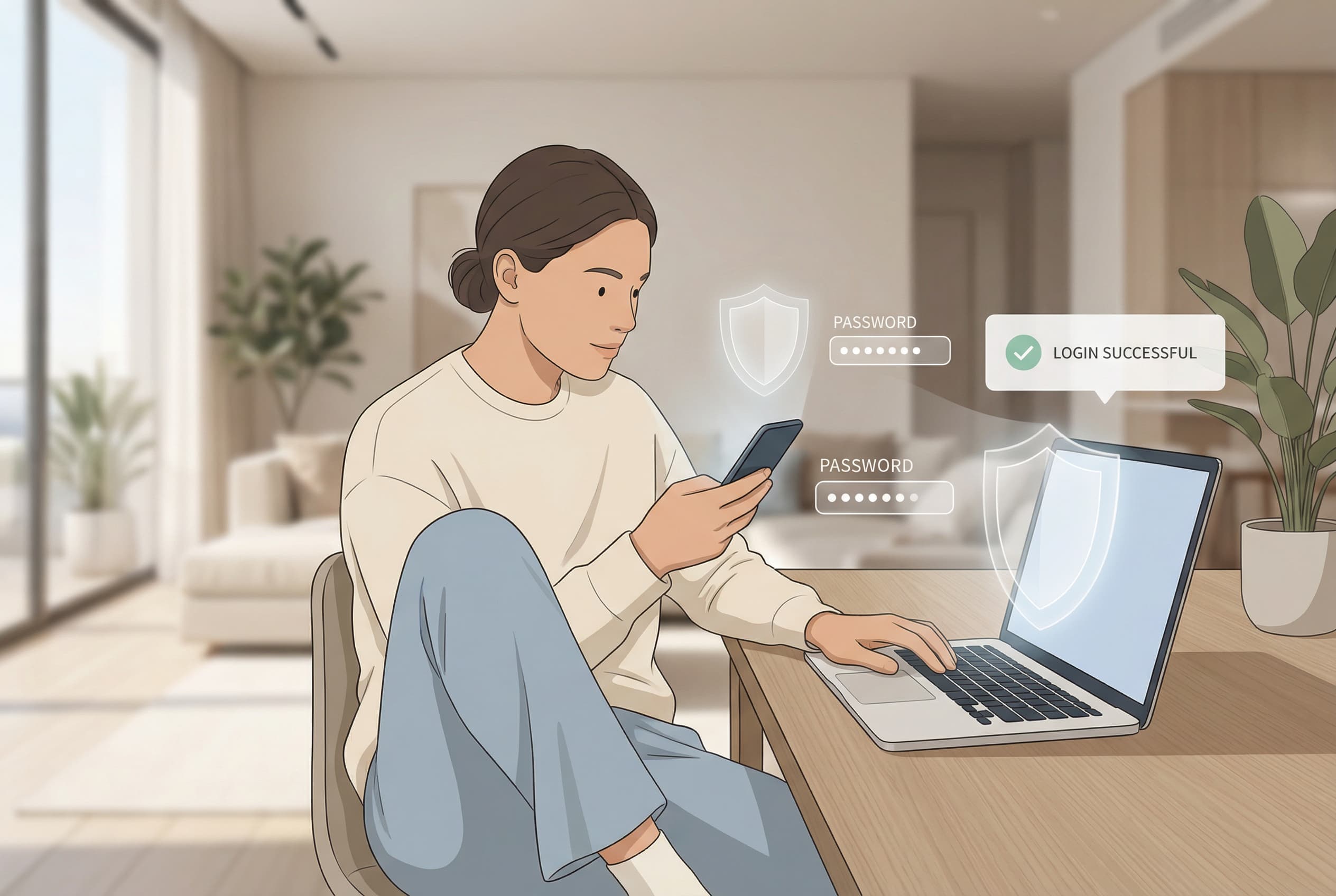
If someone gains access to your unlocked laptop or phone, they may also gain access to saved passwords stored within the browser.
Depending on device settings, a person may be able to view stored credentials or export them entirely.
2. Malware Targets Browser Credentials
Cybercriminals increasingly use malware designed to extract stored credentials from browsers. These programs scan login databases and send captured data back to attackers.
The stolen credentials often appear for sale on underground marketplaces.
If you’re curious where compromised logins frequently surface, our article on dark web stolen data markets explains how those underground economies operate.
3. Syncing Expands Risk Across Devices
Many browsers synchronize saved passwords across phones, tablets, and computers linked to the same account.
While convenient, syncing also expands the attack surface. A single infected device can expose credentials used across an entire device ecosystem.
4. Limited Security Architecture
Dedicated password managers are engineered with zero-knowledge encryption models and specialized vault protections.
Browsers typically rely on the device’s existing security controls instead of building full credential vault systems.
The UK National Cyber Security Centre notes that password managers generally offer stronger protection than relying solely on browser-based storage.
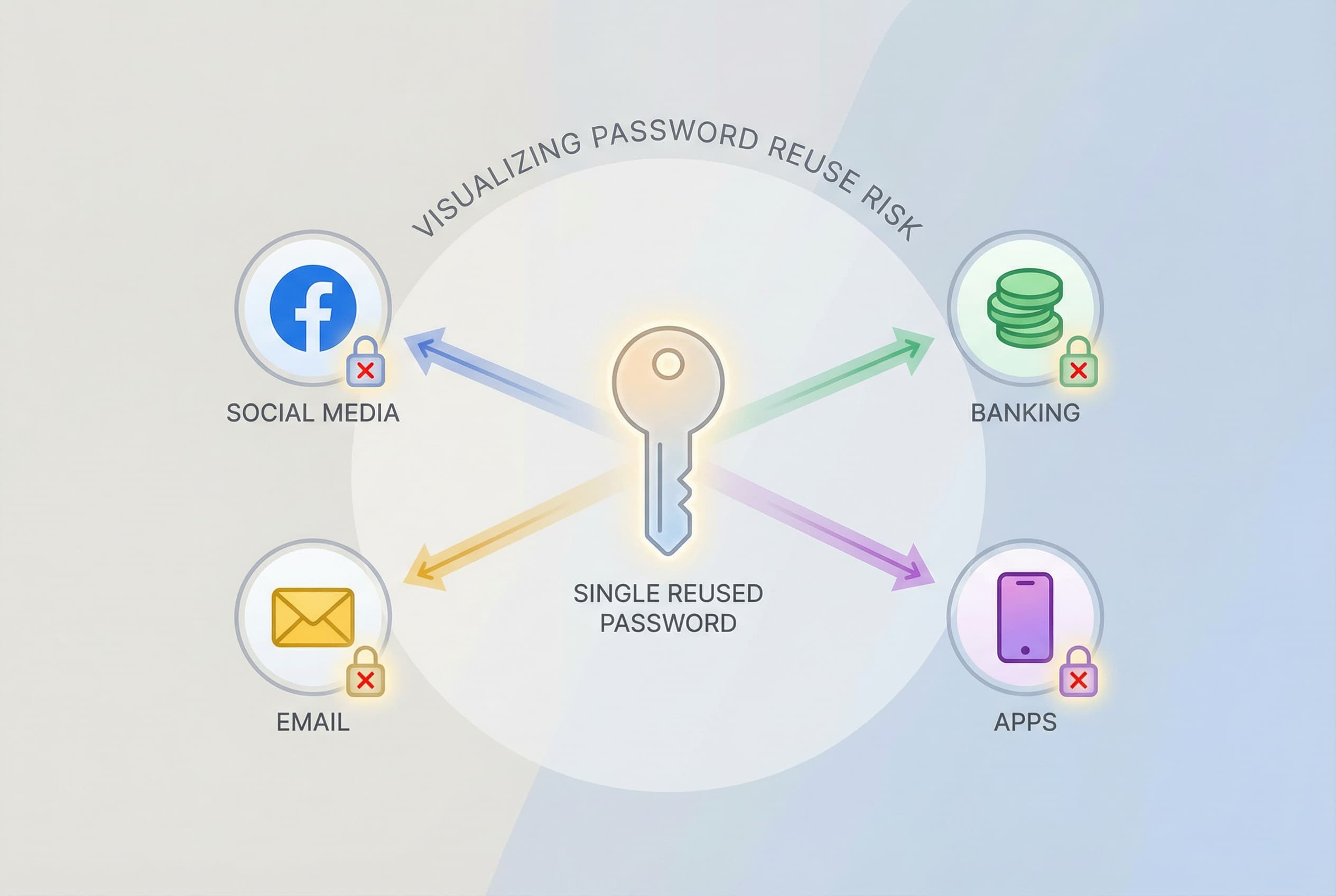
5. Convenience Encourages Password Reuse
Another overlooked risk is behavioral. Autofill makes it easy to reuse the same credentials repeatedly.
When saved passwords are reused across multiple websites, a single breach can compromise several accounts at once.
Our guide on password reuse security risks explores why this habit still fuels many large-scale account breaches.
Why This Matters More Than Ever
Today’s digital life runs on credentials.
Streaming services, banking apps, healthcare portals, work tools, social networks, and online stores all require logins. Each account becomes part of a broader digital identity.
Attackers rarely target just one login. Instead, they aim to gain a foothold that unlocks multiple services.
Once credentials are obtained, attackers frequently launch credential stuffing attacks. These automated systems attempt the same username and password combinations across hundreds of websites.
If saved passwords were reused anywhere, attackers may gain additional access within minutes.
The chain reaction can lead to financial fraud, identity theft, or full account takeover.

Common Mistakes People Make With Browser Logins
Many users assume saved passwords are completely secure because they appear hidden within browser settings.
In reality, the safety of stored credentials depends heavily on the security of the device itself.
Another mistake is believing autofill replaces proper password management. Browsers rarely encourage password rotation or generate strong unique credentials.
Users also frequently skip multi-factor authentication because stored logins already feel convenient.
Finally, few people review the list of stored accounts. Old websites, expired subscriptions, and forgotten logins often remain accessible through browser storage for years.
Over time this accumulation quietly increases exposure.
Safer Alternatives to Saved Passwords
Convenience doesn’t need to disappear — it just needs stronger protection behind it.
Dedicated password managers encrypt credential vaults and generate strong, unique passwords for every account. They also monitor breach databases and warn users if credentials appear in leaks.
When paired with multi-factor authentication, these tools dramatically reduce the likelihood of account compromise.
If you’re working toward stronger login habits, our guide on protecting passwords from hackers outlines practical steps that make a measurable difference.
Good security systems protect convenience instead of replacing it.

The TREASURELY Perspective
Cybersecurity shouldn’t feel overwhelming.
The real issue with saved passwords isn’t that they exist — it’s that people often rely on them as their only layer of protection.
Digital life continues to expand, and security habits need to evolve alongside it.
At TREASURELY, we believe safer online behavior should feel intuitive and rewarding rather than stressful or technical.
Tools that respect how people actually live online create stronger security habits naturally.
If you want practical insights on breaches, smarter password protection, and protecting your digital identity, subscribe to the TREASURELY newsletter.
We make cybersecurity easier to understand — and easier to live with.
Related Posts


Stay Ahead of Cyber Threats
Get weekly security tips, scam alerts, and digital privacy advice from TREASURELY.